Water Bottle Mount Assembly Instructions
Parts and tools
Complete reference in module BOM.
item_id |
category |
description |
quantity |
|---|---|---|---|
|
3D-printed part |
water bottle mounting bracket |
1 |
|
fastening hardware |
M3 brass threaded insert for plastics |
2 |
|
fastening hardware |
M3 × 6 mm button-head socket screw |
2 |
1. Prepare the water bottle mount
1.1 Prepare the printed part
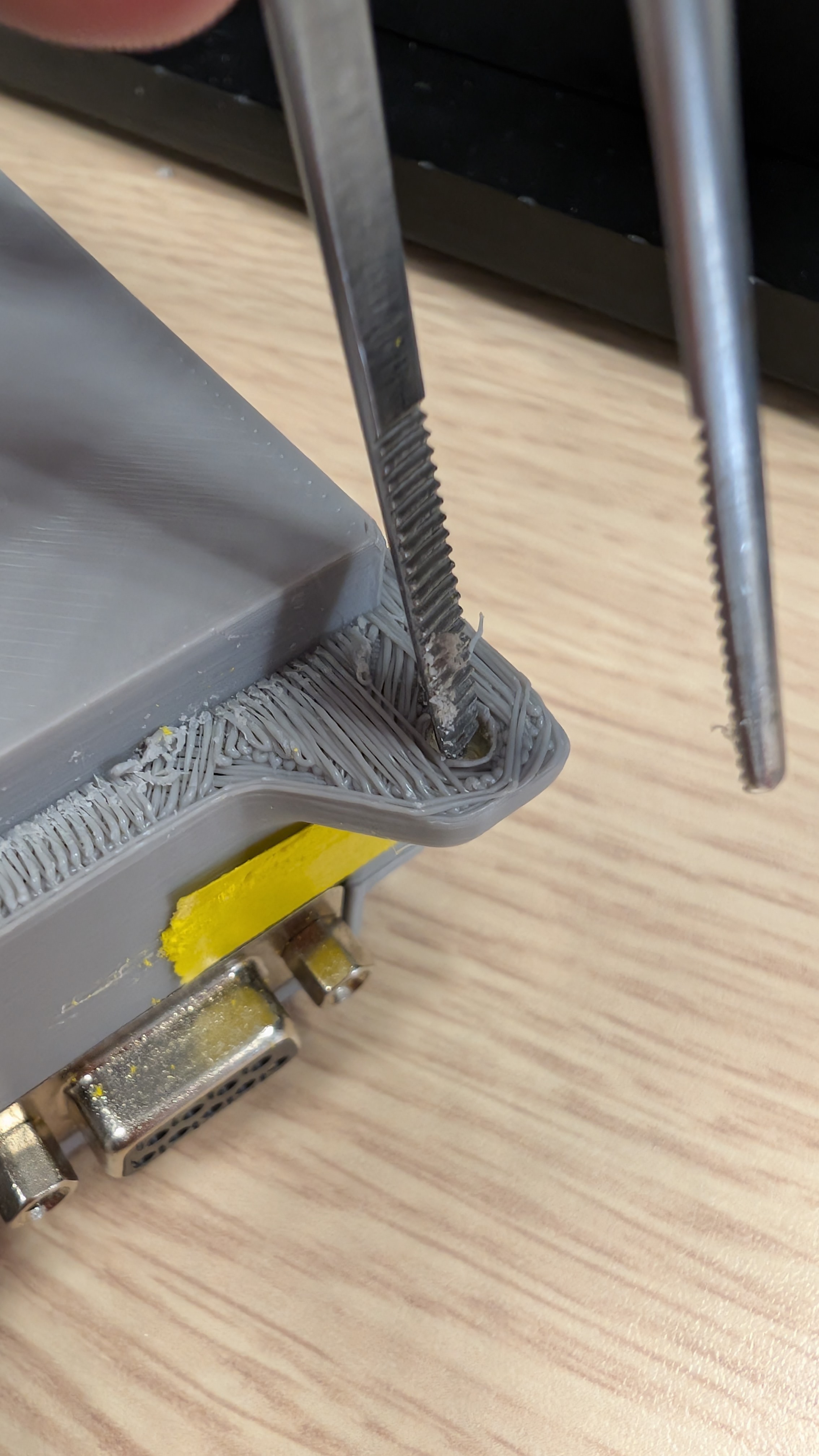
Inspect the
PRT-BMT-001water bottle mounting bracket for printing defects or residual material.Clean the two insert holes and remove any debris that could prevent the inserts from seating correctly.
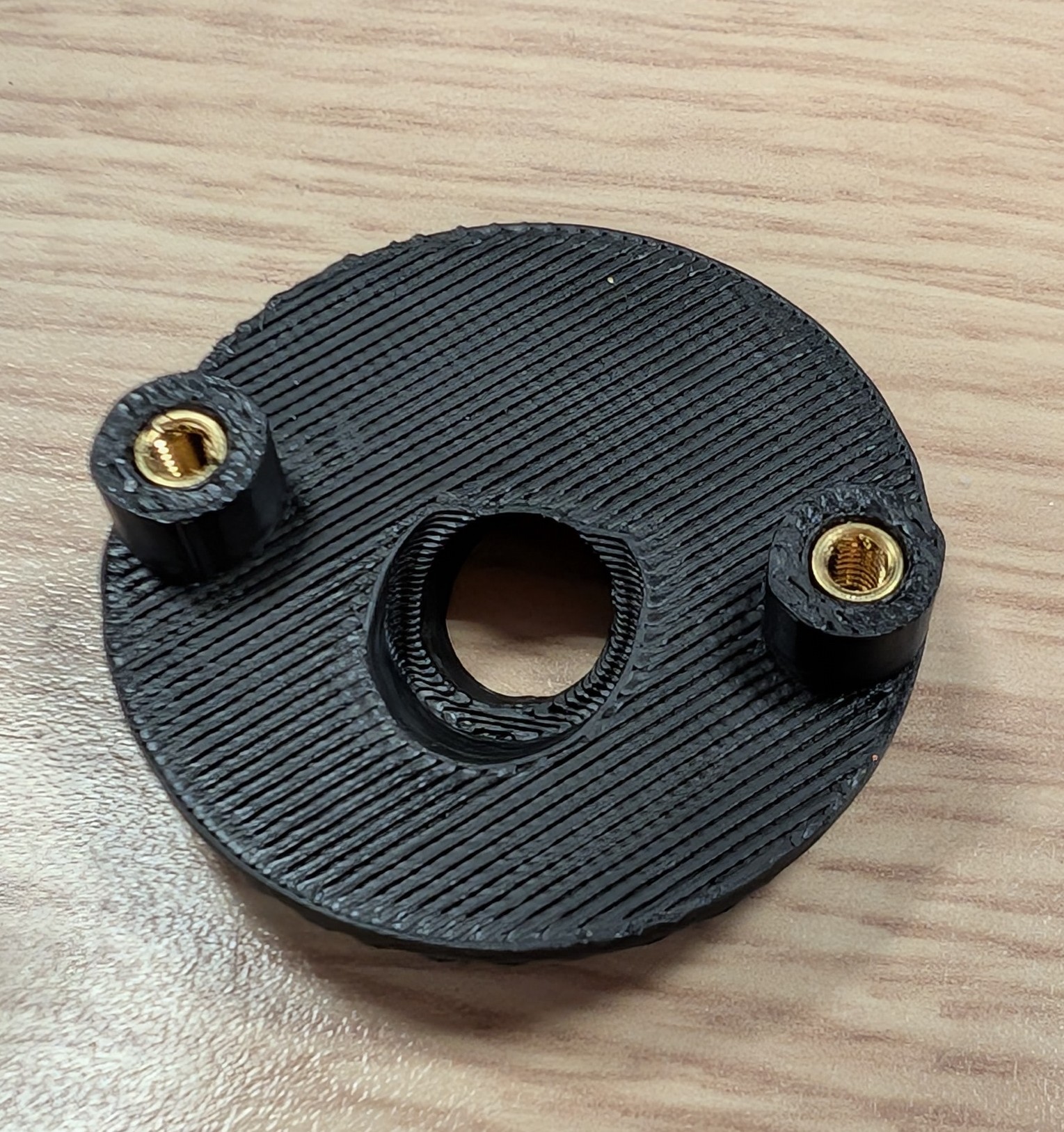
Identify the external mounting side of
PRT-BMT-001.
Note: The threaded inserts are installed on the part of the bracket that remains outside the enclosure.
1.2 Install the threaded inserts
Position
PRT-BMT-001on a flat, solid surface.Insert two
FST-INS-M3-BRASSM3 threaded inserts into the external mounting side.Press each insert fully into its seat, keeping it straight.
Caution: Do not install the inserts from the enclosure-facing side. The mounting screws must engage the inserts from inside the enclosure.
2. Install the water bottle mount
2.1 Position the bracket
Position
PRT-BMT-001on the outside of the enclosure wall.Align the bracket with the two corresponding mounting holes in the wall.
Verify that the bottle-holding section is correctly oriented.
Checkpoint: The bracket sits flush against the outside of the enclosure and both mounting holes are aligned.
2.2 Secure the bracket
From inside the enclosure, insert two
FST-M3X6M3 × 6 mm screws through the wall.Engage each screw with the corresponding
FST-INS-M3-BRASSinsert inPRT-BMT-001.Start both screws by hand before tightening.
Tighten evenly until the bracket is firmly secured.
Caution: Do not overtighten the screws against the enclosure wall or the 3D-printed bracket.
Checkpoint: PRT-BMT-001 is firmly attached to the outside of the enclosure with no visible movement.
3. Final validation
3.1 Functional check
Insert the water bottle into
PRT-BMT-001.Check that the bottle is held securely without excessive movement.
Confirm that installing or removing the bottle does not shift the bracket.
Checkpoint: The water bottle mount is secure, correctly oriented, and holds the bottle without shifting.
Assembly video
Use this short visual walkthrough alongside the written instructions. The parts list, cautions, and checkpoints in this page remain essential.
Player unavailable? Watch this tutorial on YouTube.
Assembly gallery
Use these reference images alongside the numbered instructions above. They are ordered to follow the main stages of the assembly. Select an image to open the full-size version.